IoT Wireless Protocol Selection for Battery-Powered Devices
IoT wireless protocol selection starts with a device's job and power supply. Compare seven options and learn what to check beyond the spec sheet.
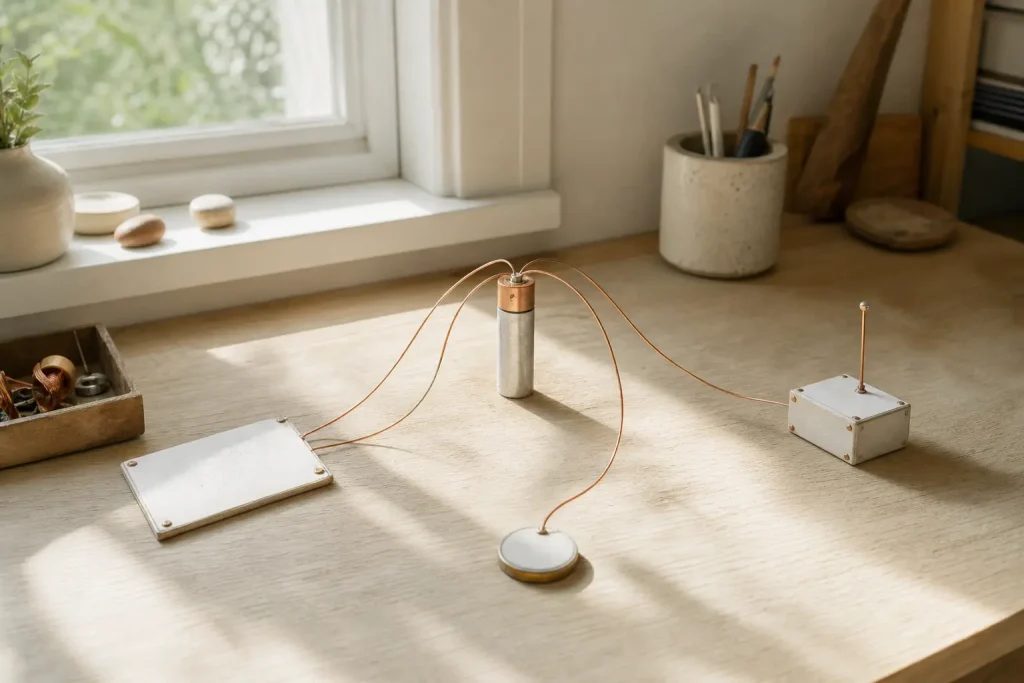
A transit card, wireless earbuds and Wi-Fi all use wireless communication, but they work in different ways. A video I watched opens with a day involving more than ten kinds of wireless communication, then introduces the technologies from short range outward. What stayed with me was the trade-off: it's hard to send signals farther and data faster while also making a battery last longer.
That trade-off makes sense, but choosing two out of range, speed and battery life won't settle the choice of protocol. You still need to work out the device's job, where its antenna will go and how it'll get power. The comparison here draws on the video's explanations, rather than results from implementing and measuring each option myself.
Match wireless protocols to device functions
A smart door lock could use an NFC card key to open the door, BLE for initial setup and Thread for its everyday connection. Those jobs don't all need the same protocol. Matter provides a shared format for device commands over connections such as Thread or Wi-Fi, much like a common language. Separating card access, setup and everyday connectivity before comparing performance makes the choice easier.
Identifying hundreds of items with UHF RFID is a different job from measuring distance with UWB. The choice depends on whether you only need to know an item is present or need to know exactly where it is.
For distance and direction, as with the lost-item tag shown in the video, UWB is worth considering. A body or wall can block the direct signal, though, so a reflected signal may make the measured distance longer than it really is. If you need consistent accuracy, look beyond the video's roughly 10 cm figure to how bad readings are filtered out and antenna delay is calibrated.
Set IoT protocol requirements before asking AI
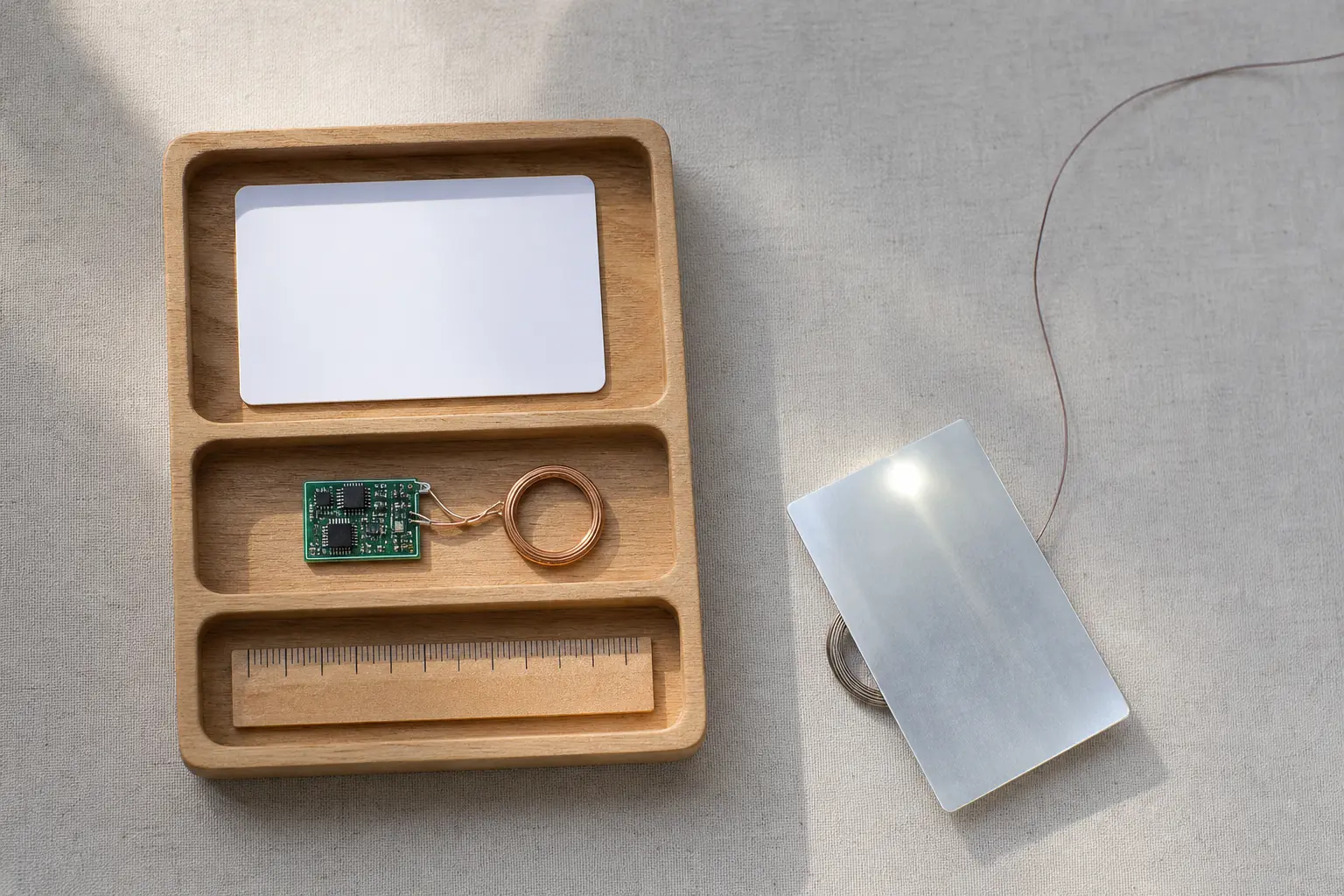
AI can draw up a comparison table, but it helps to decide what the device has to do, how it'll be powered and when it needs to stay connected before asking for one. A table limited to range, speed and power can miss problems that show up where the device will actually be installed.
The power supply is where I'd start. With plenty of power and a lot of data to send, Wi-Fi is an option to consider first. A sensor sending occasional readings from a small battery should sleep most of the time and wake briefly to transmit. The Bluetooth distinction matters here, too: Bluetooth Classic sends music continuously, while BLE wakes briefly to communicate.
Distance narrows the options further, and the shortest connection can be exactly what you want. NFC fits an intentional tap, while BLE is a candidate for connecting a phone to a nearby sensor. For several devices that need to relay signals across a home, consider Zigbee mesh; LoRa is an option when distant devices need to send short messages.
There's also a choice between building your own network and using a mobile operator's. LoRa uses a gateway-centered star network, whereas NB-IoT uses LTE and requires a SIM and a data plan. The video describes NB-IoT's PSM and eDRX power-saving modes and a ten-year battery-life target, but also says the first connection can take tens of seconds where the signal is weak. Alongside battery life, you need to check how long the device takes to send data after waking up.
| Protocol | Range or main job | Speed or data | Power | Network layout |
|---|---|---|---|---|
| NFC | Typically 4 cm; up to about 10 cm | 106, 212 or 424 kbps, depending on mode | Passive tags need no battery | Card or tag held close to a reader |
| BLE | Short-range connection between a phone and a device | 1 Mbps in the default mode | Sleeps, then communicates briefly | Primarily a one-to-one phone-to-device connection |
| Zigbee | Relays signals between devices | 250 kbps for the 2.4 GHz version | Sensors can sleep; relay devices need continuous power | Mesh with a coordinator, routers and end devices |
| Wi-Fi | Data transfer near a router | Up to 150 Mbps on ESP32's Wi-Fi 4 | High power demand during transmission | Router-centered star network |
| LoRa | 2–5 km in cities; 15 km or more in open areas | About 0.3–5.5 kbps with 125 kHz bandwidth | Intended for long operation at low power | Gateway-centered star network |
| NB-IoT | Short messages over LTE | 180 kHz bandwidth; about 26 kbps downlink and 66 kbps uplink | PSM and eDRX power saving; ten-year battery-life target | Connects to an operator's base station; SIM and data plan required |
| UWB | Distance measurement with about 10 cm accuracy | Measures the arrival time of short pulses | — | Round-trip measurement between a device and a tag |
Antenna placement, interference and peak current
The video's discussion of metal near antennas caught my attention. A metal plate or battery behind an NFC antenna reduces its read range, which is why tags mounted on metal use a ferrite sheet. UHF RFID is affected by water and metal, too. A tag's orientation can prevent a read; at the other extreme, the reader may pick up nearby items you didn't mean to scan.
Wi-Fi's 2.4 GHz band overlaps with BLE and Zigbee, so devices that work well in separate tests may run into trouble when they're all switched on. A Zigbee mesh also needs its relay devices to stay powered. If a bulb is acting as a relay and someone turns it off at the wall switch, devices using that path may lose their connection for a while.
Battery calculations need both average current and peak current. According to the video, Wi-Fi on a microcontroller (MCU) can draw more than 200 mA during transmission, and the chip can reset if its power circuit can't handle that demand. Reconnecting after deep sleep also takes hundreds of milliseconds to a few seconds, so that time belongs in the calculation even if you're only sending one short sensor reading.
Next time I build a sensor prototype, I plan to test it where it'll actually be installed, with the surrounding metal left in place, rather than stop at a working connection on my desk. Once I've seen whether it stays connected there, I think I'll be in a better position to judge which protocol fits.