Career & Side Projects
Home Assistant Air Purifier Local Control Without the Cloud
Learn how Home Assistant air purifier local control replaced a cloud link, where AI helped, and what the user now has to maintain.
Why should adjusting an air purifier's fan at home require a manufacturer's server? That was my first thought on reading this published account. The time saved with AI was interesting, but what caught my attention was how much work it took to make the fan run the way its owner wanted.
At bedtime, the device's owner ran the fan on high for white noise. They wanted the “Good Night” button in Apple Home to turn off the lights and raise the fan speed together, so they connected the Wi-Fi-enabled purifier to Home Assistant.
The catch was the manufacturer's cloud. Like the phone app, the existing integration contacted the manufacturer's servers to read the device's status and send commands. According to the account, that connection broke at least once or twice a year: an app redesign meant rewriting the integration, and even a small change to the HTML it read could stop it working.
Server outages had also interrupted control, and using an older integration once got the account blocked. Remote control was unavailable for weeks while the owner waited for customer support to restore access. In effect, the manufacturer got to decide when someone could adjust a fan in their own home again. It's easy to see why they started looking for a way to leave the cloud out.
Air Purifier Root Certificates over HTTP
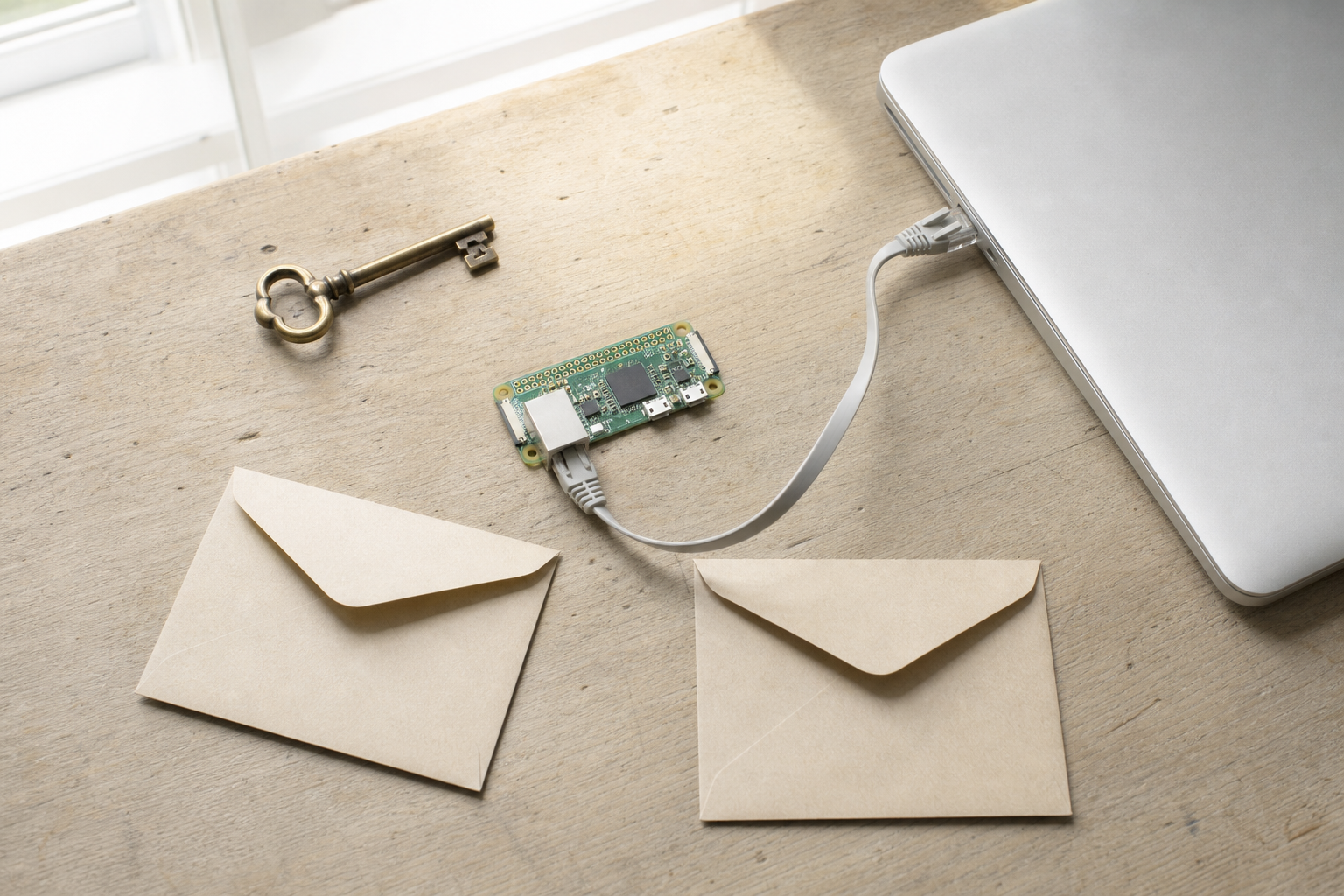
The first attempt used a Raspberry Pi as a dedicated Wi-Fi access point so the purifier's traffic could be inspected. Beside the router, though, its signal didn't reach the device, so the Pi had to move closer to the purifier and connect to a laptop over Ethernet.
Claude refused the request to set up the traffic-inspection environment. A few exchanges with ChatGPT helped the owner put the network rules together, after which they could inspect the traffic with mitmproxy.
An unexpected clue turned up in a certificate download. The purifier fetched its root CA certificate, used to verify the server it was talking to, over unencrypted HTTP. When the owner substituted their own certificate in that response, the device accepted it. That made the subsequent requests visible too.
Fan commands travelled over MQTT over TLS on port 8883. By changing the initial setup response, the owner could replace both the MQTT server address and the locations from which the device downloaded its certificate and private key. Their own server could then send commands to the fan.
Fan control no longer needed the manufacturer's servers, but initial setup still required its app and an awkward man-in-the-middle arrangement.
20-Minute Bluetooth Setup Analysis and a Human Discovery
Removing the manufacturer's app meant figuring out the Bluetooth setup protocol as well. Even with everyday fan control running through a private server, needing the app to set the purifier up again would leave a dependency in place. An app change or the end of support could still block that step.
An AI assistant checked Android Bluetooth debug logs and found that the Wi-Fi configuration messages were encrypted. It then extracted and decompiled the app, comparing the code with the logs to work out the setup protocol.
The analysis took about 20 minutes; based on previous analysis work, the author of the account estimated that doing it manually would have taken at least several hours, and probably days.
There was also a way to check the result. Everything needed for decryption was present in the Bluetooth logs, so the reimplemented protocol could be compared against the recorded traffic. With that as a check, the owner implemented the entire setup process in a small Python script.
The clue that made the whole arrangement simpler came after the analysis. The assistant hadn't displayed the complete configuration data, but while looking through intermediate output from the generated script, the owner spotted fields for specifying server addresses.
The fields were caUrl and certSvrUrl. One specified where to download the root certificate; the other specified the server from which to request MQTT configuration. Setting both to private server addresses during Bluetooth setup made the purifier connect to those servers from the start, so there was no longer any need to keep the interception environment running.
The AI assistant shortened the analysis, and the person inspecting its output found a simpler way to connect the device. That division of work stayed with me as much as the roughly 20-minute turnaround.
Home Assistant Local Control and Upkeep
The finished integration uses Web Bluetooth for initial setup. Once configured, the purifier connects over Wi-Fi directly to the MQTT broker inside Home Assistant.
The Home Assistant server had no Bluetooth and was too far from the purifier anyway, so the setup was designed to work from a laptop brought close to the device. Connecting it to Apple Home completed the original “Good Night” automation.
| Stage | Required for initial setup | Fan control path |
|---|---|---|
| Original integration | Manufacturer's app | Home Assistant → manufacturer's cloud → air purifier |
| Intermediate private-server setup | Manufacturer's app and interception environment | Private MQTT server → air purifier |
| Completed local integration | Web Bluetooth on a laptop | MQTT broker inside Home Assistant → air purifier |
Fan commands now stay off the manufacturer's servers. An outage there, or a blocked account, no longer interrupts the home automation.
I'm not sure I'd make the same change to my own devices, though, because the work previously left to the manufacturer would become mine. If firmware changes or integration support ends, someone has to check whether the reverse-engineered protocol still works and track down whatever has broken.
You also have to secure the local MQTT broker and setup server. Without access controls, authentication and patch management, reducing cloud dependence could leave you with another vulnerable server at home. If your reverse-engineering work bypasses a service or security controls, check the terms of service, warranty and applicable regulations. Something that works on a personal device can't simply be carried over into a workplace.
Their “Good Night” button now does what they wanted, but I'm not ready to reverse-engineer my own devices. My next step is to check which outside services my home automations use when I press a button, and what I'd lose if one of those services went away.